Talking Tom Gold Run
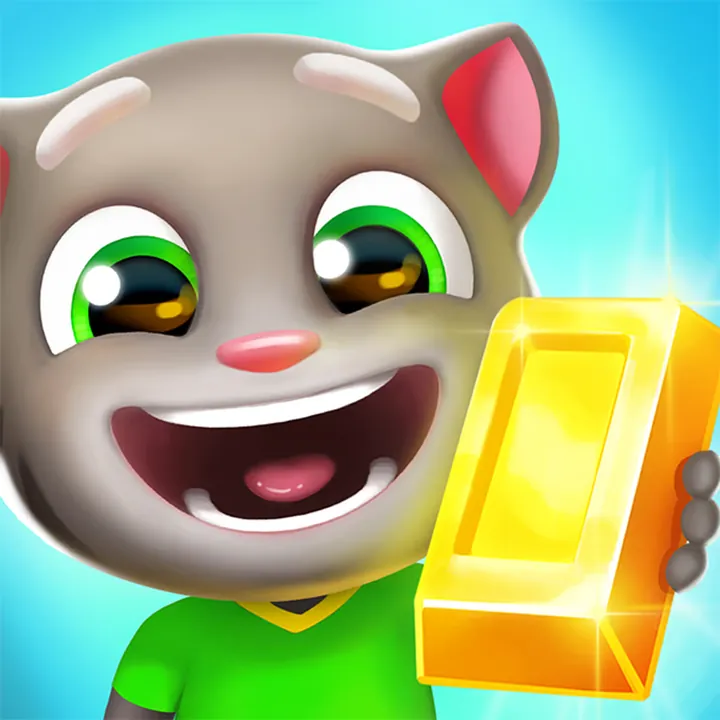
An arcade endless runner by Outfit7 in which Tom and his friends chase Roy the raccoon to recover stolen gold bars. It suits players who enjoy quick reactions and runs that get harder the longer they last.
Back of the tile
No. 2- Genre
- Arcade
- Developer
- Outfit7
- Devices
- Computer, phone, tablet
- Input
- Arrow keys or swipes
- Session
- Endless runs
- Account
- Not required on Poki
- Suitability
- All ages
- Updated
- Checked 7 Oct 2026
Talking Tom Gold Run runs on poki.com, a separate site that Kaelitovakneo does not operate. The link opens Poki in a new tab; Poki shows ads around its games.
Open Talking Tom Gold Run on Poki → (opens poki.com in a new tab)Goal and mechanics
Talking Tom Gold Run is an endless runner. Roy the raccoon has stolen the gold, and Tom and his friends run hot on his heels to get it back. You do not control the running itself: the character moves forward on their own across three lanes. Your job is to choose the lane and react to what comes next. The chase gives the game its shape: there is always a direction, and the only decisions are where to be and when to move.
Three kinds of obstacle shape the run. Vehicles and other blockers on the road fill a lane, so you switch to another one. Low obstacles and small gates can be jumped over. Signs, barriers and gates hang high enough that you slide underneath them. On a computer, the left and right arrows change lanes, the up arrow jumps and the down arrow slides. On a phone or tablet the same moves are swipes: left, right, up and down. As the run goes on, it becomes faster and the obstacles come closer together, so a run ends when a reaction comes too late.
The gold you collect is spent outside the run. Poki's description says it unlocks other characters, such as Angela and Hank, and pays for house upgrades that open new worlds. That gives each run a purpose beyond its distance. In practice, the early part of each run is where gold is easiest to pick up, and the later part is where staying alive matters more than collecting.
Keys, clicks and swipes
- Left / Right arrowSwitch lane
- Up arrowJump
- Down arrowSlide
- Swipe left / right / up / downThe same moves on touch screens
Tips worth trying
Watch the lane ahead rather than the character. Most mistakes come from seeing an obstacle too late, not from pressing the wrong key.
Learn the difference between low obstacles and high barriers early: one needs a jump, the other a slide, and mixing them up ends the run.
When two lanes are blocked, move to the open one first and deal with jumps after; changing lane is usually the safer move.
Expect the pace to rise. A run that feels easy at the start will not stay that way, so do not take risky lane changes just for gold.
A good fit for
Players who like reaction games with simple controls, including fans of Talking Tom and his friends. It works for short sessions, since a run can end in a minute or continue for much longer. If the rising speed is the part you dislike, Duck Merge or 11-11 offer the opposite: no clock and time to think.
Drawbacks, honestly
— Poki shows ads around its games, including this one.
— The speed and density increase as you go, which some players will find stressful rather than fun.
— Progress outside the run depends on collecting gold over many runs, so unlocking characters and worlds takes time.
Questions
Do I control Tom's running?
No. The character runs forward automatically. You switch lanes, jump and slide to avoid obstacles. The run continues until you hit something.
What is the gold for?
According to Poki's description, gold unlocks characters like Angela and Hank and upgrades houses, which opens new worlds.
Can I play it with a touchscreen?
Yes. On phones and tablets you swipe left or right to change lanes, up to jump and down to slide.